Menu
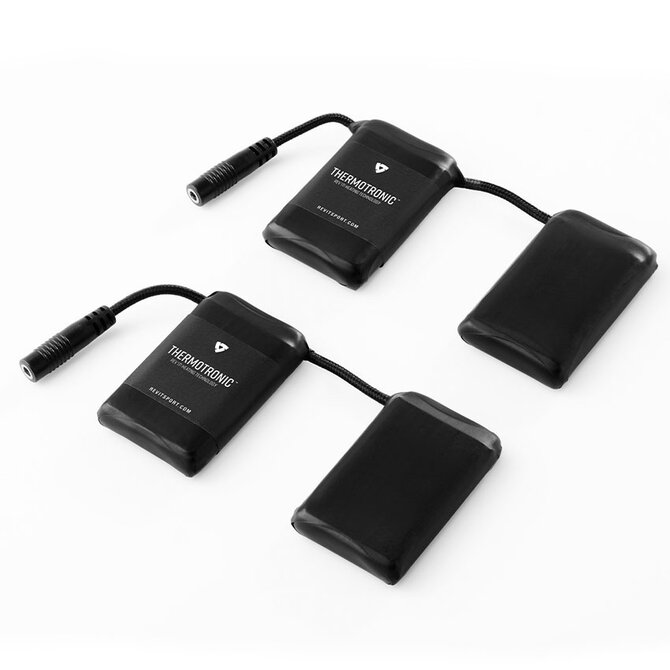
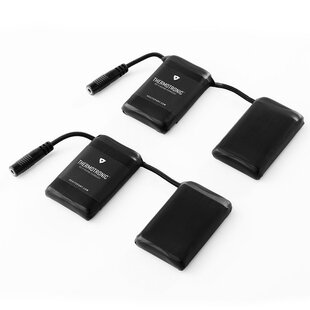
Rechargeable 3000mAh battery set for Thermatronic heated gloves.
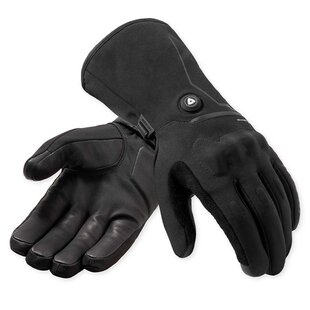
A set of 3000mAh batteries for Thermatronic REV’IT! heating technology-equipped heated motorcycle gloves. Whether you’re replacing your old batteries, need an additional set for your current REV’IT! heated gloves, or you’re looking to upgrade from the 2350mAh batteries, the Cathode battery set is what you need.
Each Cathode battery set come as standard two 7.4V batteries along with a 2-in-1 AC-to-DC wall charger that lets you charge both sets simultaneously.
Depending on the heat level riders need, these are the approximate times they will work for:
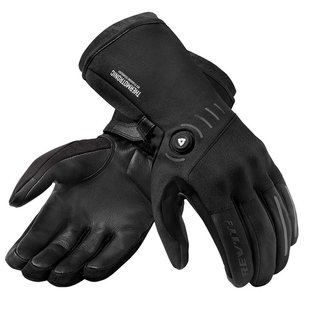
These batteries also fit the first generation THERMOTRONIC heated gloves (Freedom H2O, Liberty H2O, and Liberty H2O Ladies gloves) as an upgrade.
Enclosed a quick start for the REV'IT heated gloves.
Includes:
EAN 8700001462495
To safely store away your batteries, disconnect them from your garment, fully charge them and power off prior to storage. Keep your batteries in a cool, dry place out of direct sunlight and not below -20°C. Rev’it advises to charge every 6 months to maintain battery life. It is important to keep your battery charged. (Tip! Write it down in your diary).
Quick start guide
Please note, the included lithium-ion battery is not fully charged. Please fully charge before use. Only use a 5V @ 2.1A USB-A adapter for charging.
If the gloves are not used for 30 minutes, they will enter a 'power save mode'. To reactivate the batteries, press and hold the side battery power button for 3 seconds until the battery indicator lights come back on.
Items viewed by others